Screensavers were a big deal on PCs during the early Windows 3.1 to 95/98 era. I think a big part of it was that computers were a hobby for their own sake, meaning that people just wanted to own a computer and then get a buzz from customising it.
I certainly remember being impressed by a friends Windows 95 Plus! installation providing many different themes over the bog standard Windows 95 experience. Those introduced lots of wacky sounds and icons for the desktop, that perhaps weren’t very practical, but gave a sense of personalisation over the default installation.
After Dark was first introduced in 1991 for Windows (although it came out earlier in 1989 for the Mac) and certainly wasn’t the first of its kind, but became famous for the iconic Flying Toasters screensaver.
Apparently the idea came to Jack Eastman whilst looking at his kitchen toaster after a late night programming session, imagining what it would look like with the addition of some wings. Well, now we know.
Thanks to the efforts of archive.org I was able to download a CD-ROM image of After Dark 4 which I copied to the USB stick in my trusty Libretto 100CT. This is the first version that was designed specifically for Windows 9x, so it would be a safer starting point than earlier versions.
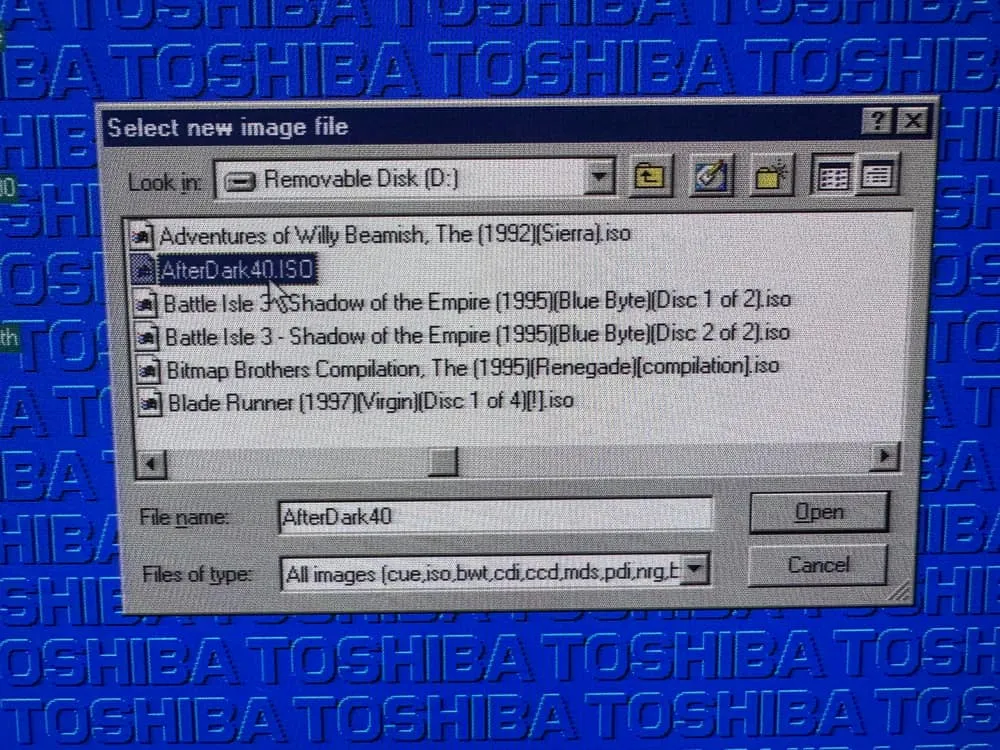
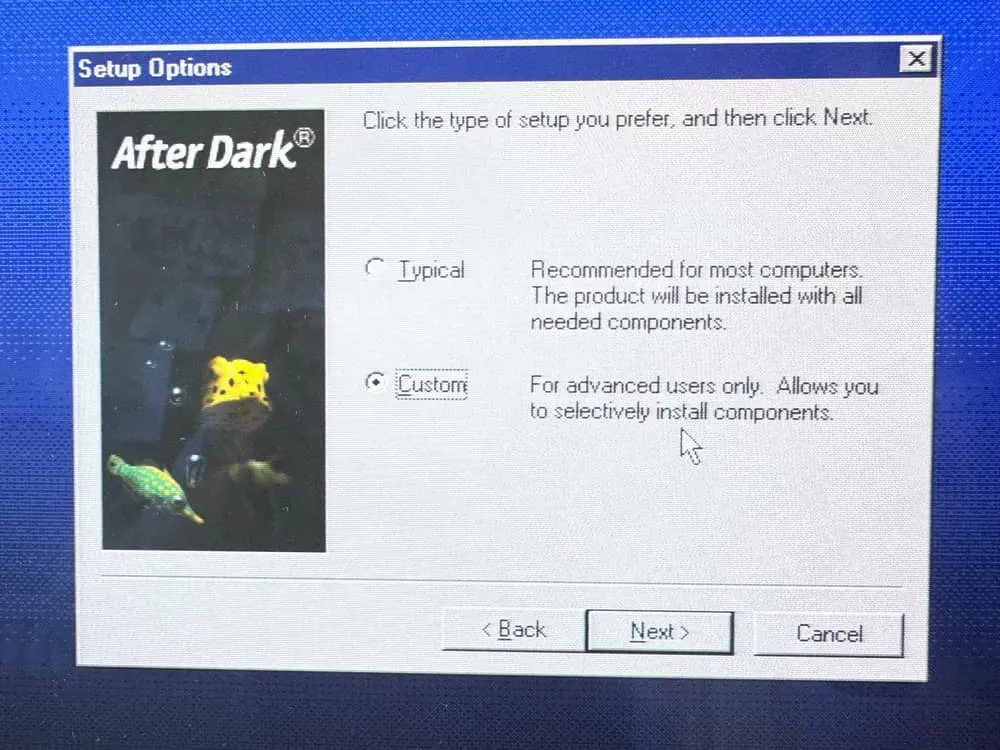
I do enjoy a good customised Windows 95 installation program. Of course I went for the custom option, because I’m an advanced user!
Although there weren’t that many options to fiddle with, it still added to my sense of advanced-user-ness.
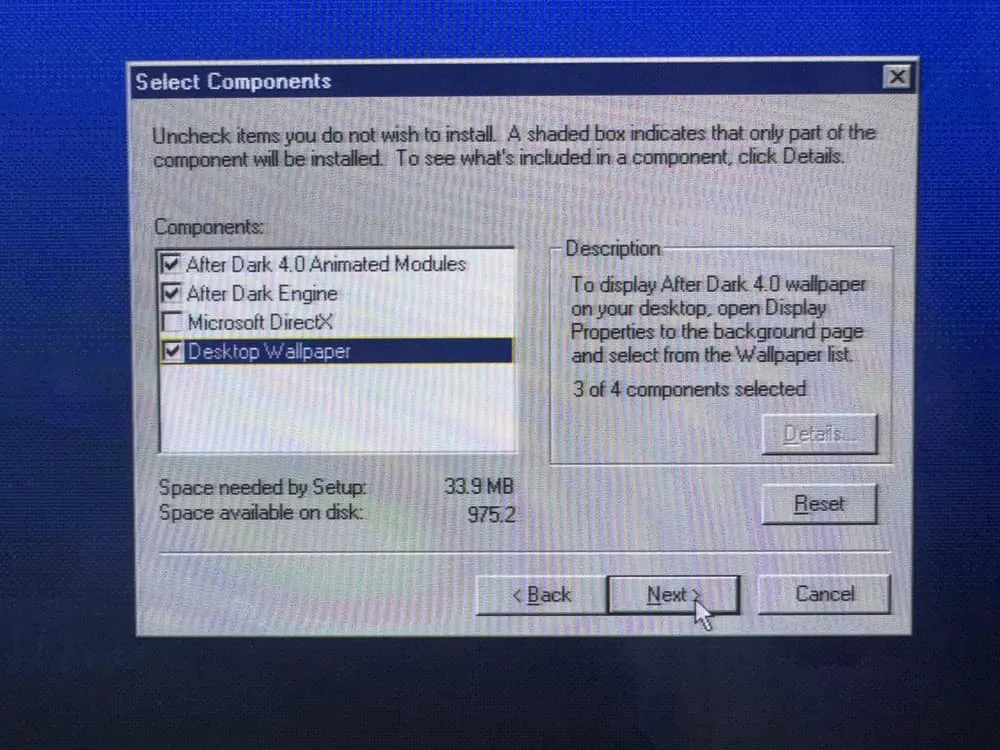
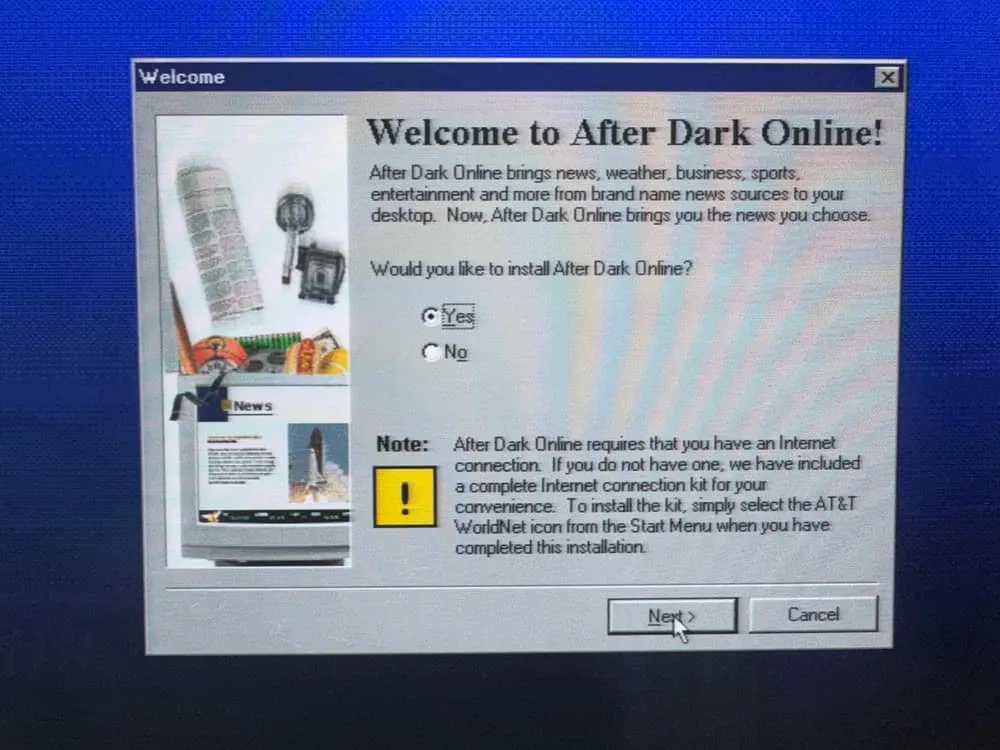
Oh an online component, how novel! Something told me that this wasn’t likely to work anymore, so I decided against installing it.
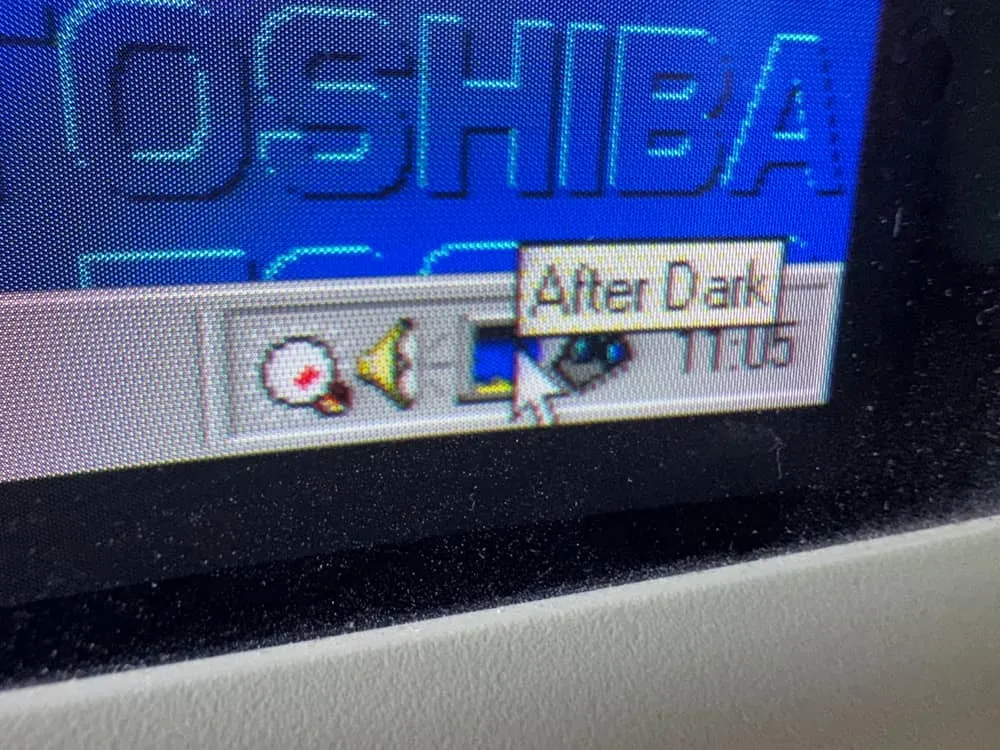
Finally we had After Dark 4 installed. You know that it’s a premium experience, because it has its own tray icon. This isn’t your standard screensaver pack.
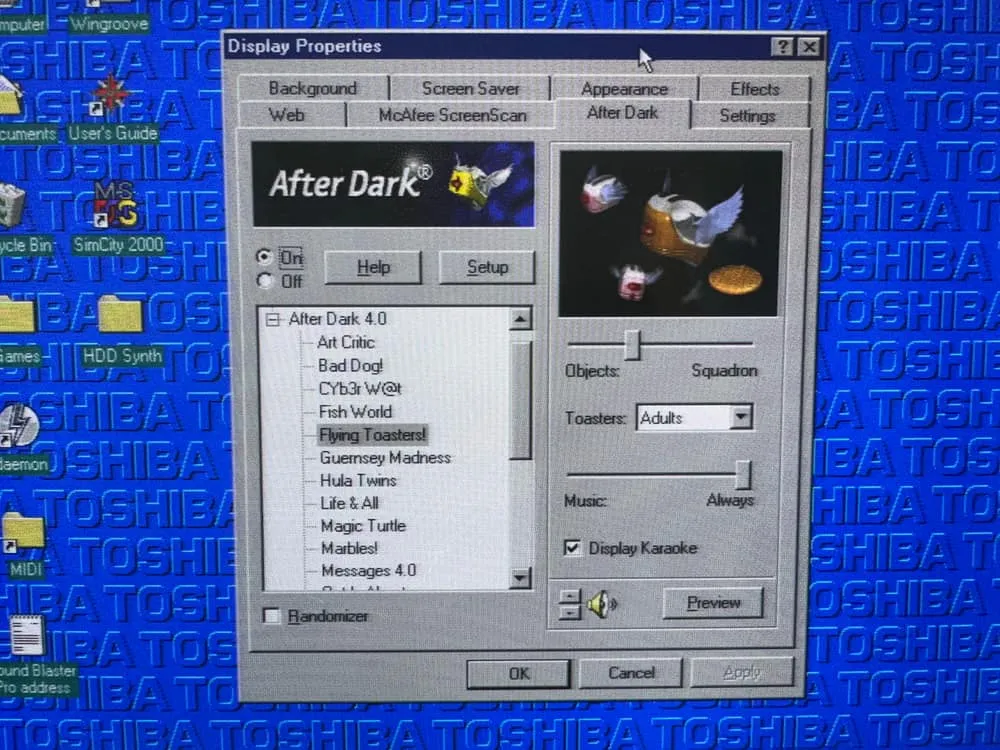
It even has it’s own tab in the Windows Display Properties, so you know it means business. As a kid I would have spent hours fiddling around with all the different options for each screensaver here. Quite a few of them come with sound, which I imagine would get old quite fast in the real world. However for now I wanted the full After Dark experience, so I left it on.
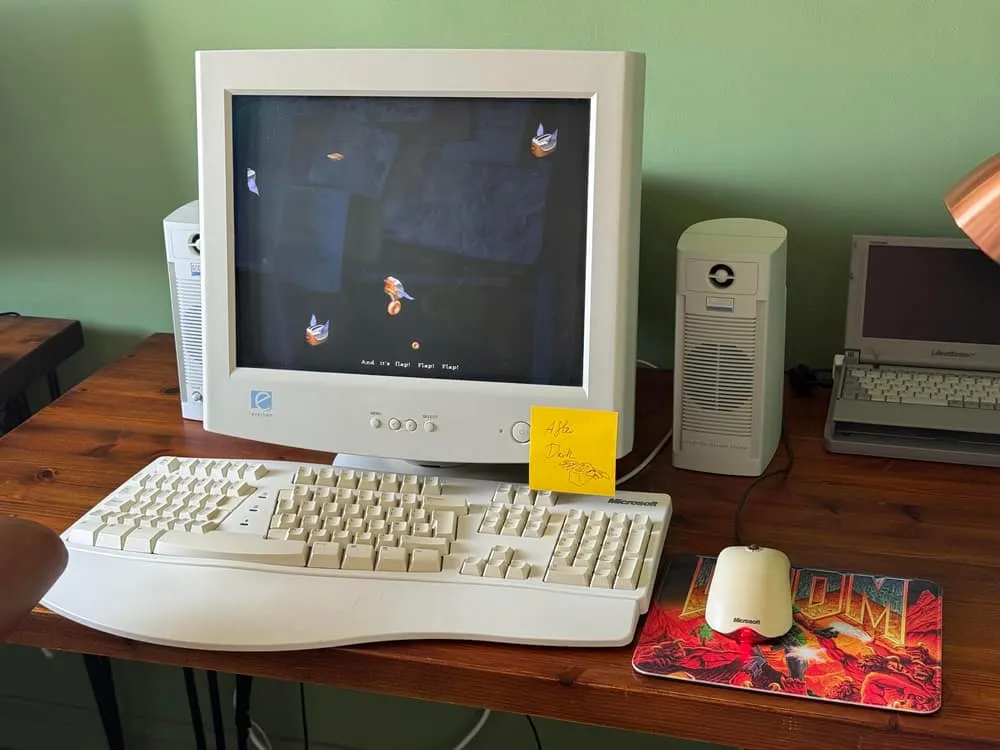
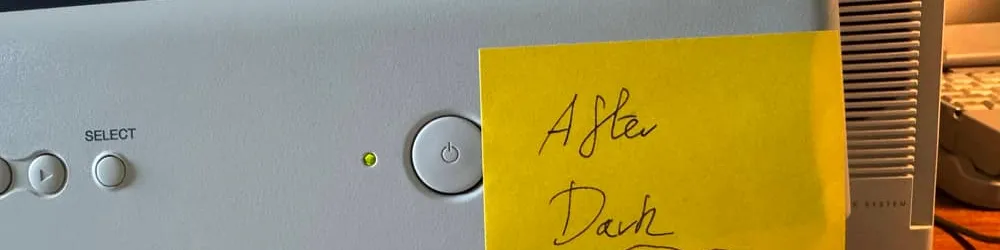
There we go - I finally took notice of the Post-it note I put on my monitor months ago and have After Dark set up. I’ve never actually had this installed before, so I’ll leave it running and see how I find each of the many screensavers. Although I do wonder how good a job it’ll do at saving my aging CRT monitor, time will tell
The default mode for After Dark 4 Flying Toasters is to operate in a sing-along mode with music playing in the background. I hadn’t expected that!