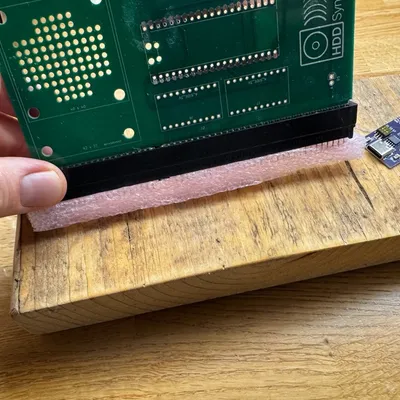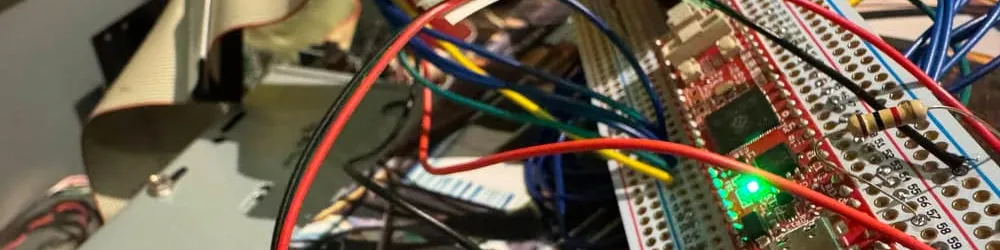
The initial prototype of the HDD Synth was the definition of an MVP. It was just an off-the-shelf Pico and amp stuck together with some CircuitPython code to play back recordings of an actual hard drive.
Since then, the majority of the work I’ve undertaken has been to develop the hardware side—creating a purpose-built PCB for the sole purpose of being put inside a computer to make it sound like it has a nostalgia-inducing mechanical hard drive.
However, in order to make the device as universal as possible, I’ve had to make certain decisions. A key one of these is that it detects HDD activity in the host machine through a simple connection to the host’s HDD LED header. This means that any computer that shows a flashing LED when its HDD is active will be able to use the HDD Synth.
The downside of this approach is that the HDD Synth isn’t able to detect the type of activity being performed. Is the machine performing a defrag, booting up Windows, or perhaps executing some sequential read operation? Each of these tasks results in a mechanical HDD head moving differently, making them sound distinctively different.
So, in order to have a more faithful recreation of different types of HDD activity, we need a way of seeing what the computer is asking of the HDD. My early HDD Synth prototypes attempted to do this by sniffing the ISA bus; however, I decided to shelve this work to focus on the core features of the HDD Synth first.
There is another approach, which is to essentially create our own IDE hard drive. This is the route I’ve decided to explore with the HDD Synth Pro.
It’s designed to operate as a standalone SD-card-to-IDE adapter, but it really shines when connected up as a daughterboard to the HDD Synth. Using a dedicated data link (which I’ve dubbed Synth Link), the two devices are able to interact, allowing the HDD Synth to recreate the sounds of each specific head movement.
A consequence of this is that using samples may be a little too crude. So, I’m exploring recreating all of the drive sounds through pure synthesis, which allows us to correctly react to any simulated mechanical HDD movement.
Of course, there are many different-sounding mechanical hard drives out there in the world. So how can we recreate each of these? Well, you’ve now got the ability to experiment and create your own drive.json file that describes your very own custom hard drive through the HDD Synth Drive Lab.
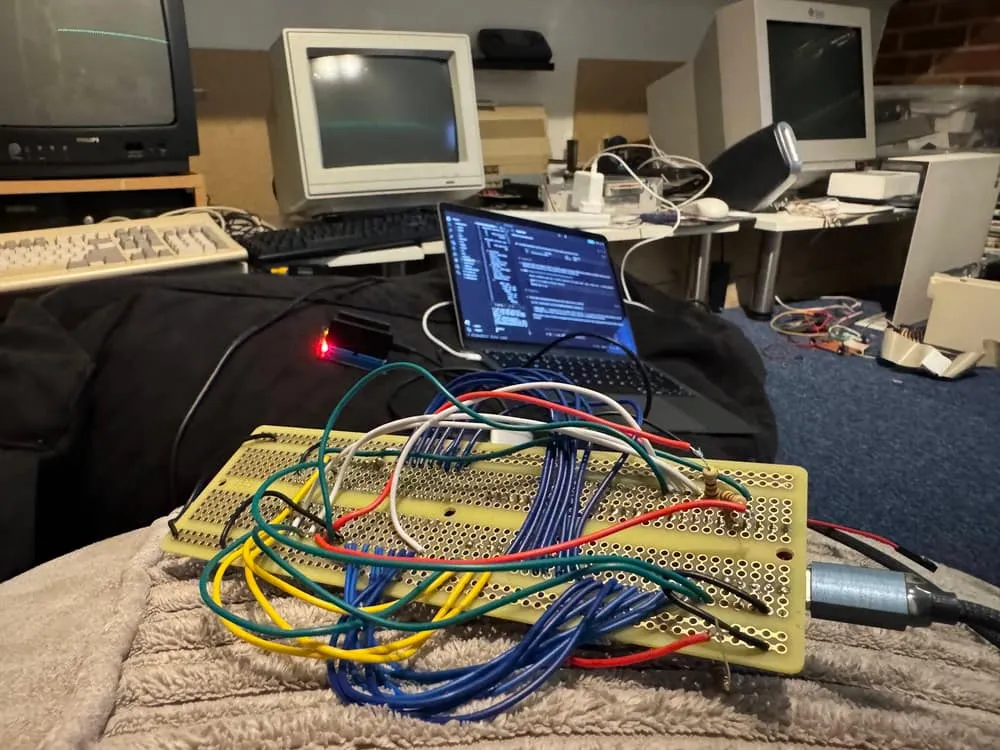
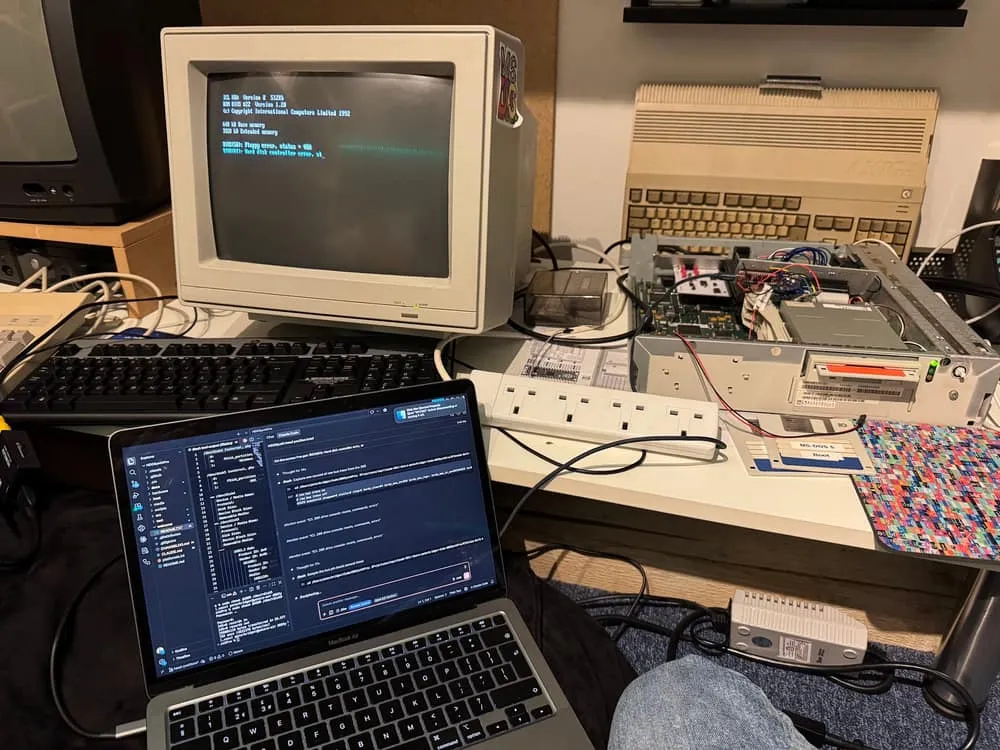
So, enough talk: does this thing actually work? I’ve been letting Claude crunch away for the past week with a breadboard using a BB48 connected to my computer, along with an IDE-to-USB connection so that my rig is able to simulate and test in real time. It was a really exciting moment when I finally saw my own virtual hard drive appear on my Mac!
Finally, last night I was confident enough to plug this thing into an actual computer. I decided to go with my trusty ICL 386, as I figured a more mature computer would cause fewer problems… maybe?
There were a few hours of tweaks, along with connecting up another IDE cable that I’d not yet wired up, but finally I was rewarded with my 386 booting up. Fantastic! Seeing DOS boot up while the LED on the HDD Synth Pro breadboard flashed away felt amazing. I had a real computer serving up software from a hard drive image on my SD card.
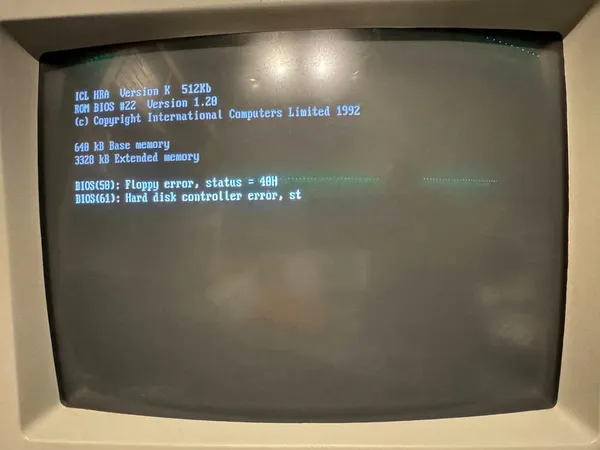
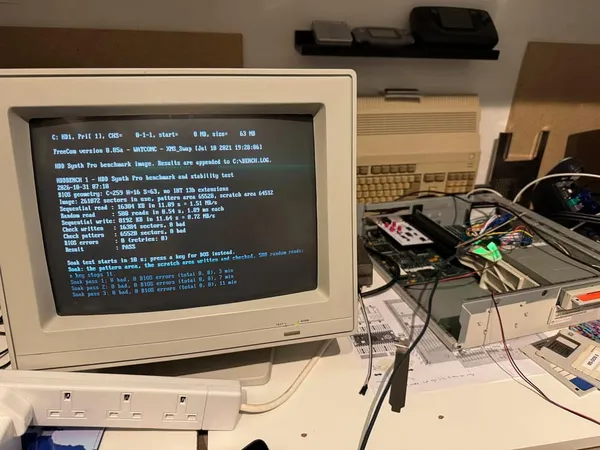
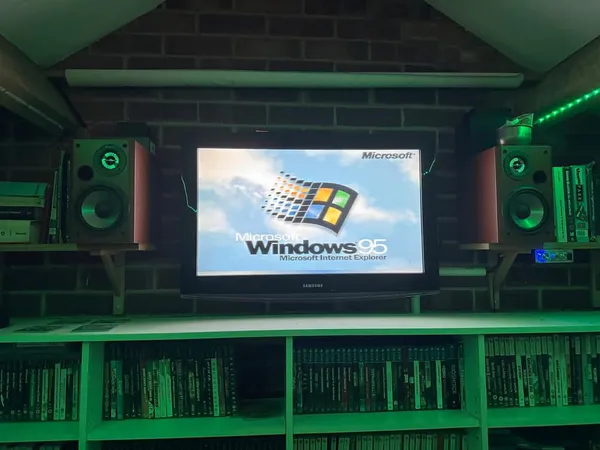
Next, I moved on to my Packard Bell Pentium 200MHz. Again, there were another few hours of tweaking. Aren’t PCs meant to be compatible? It turns out there are lots of differences between IDE controllers across various generations. This time around, booting into Windows 95 was the big challenge due to Windows loading its own 32-bit driver for working with the drive.
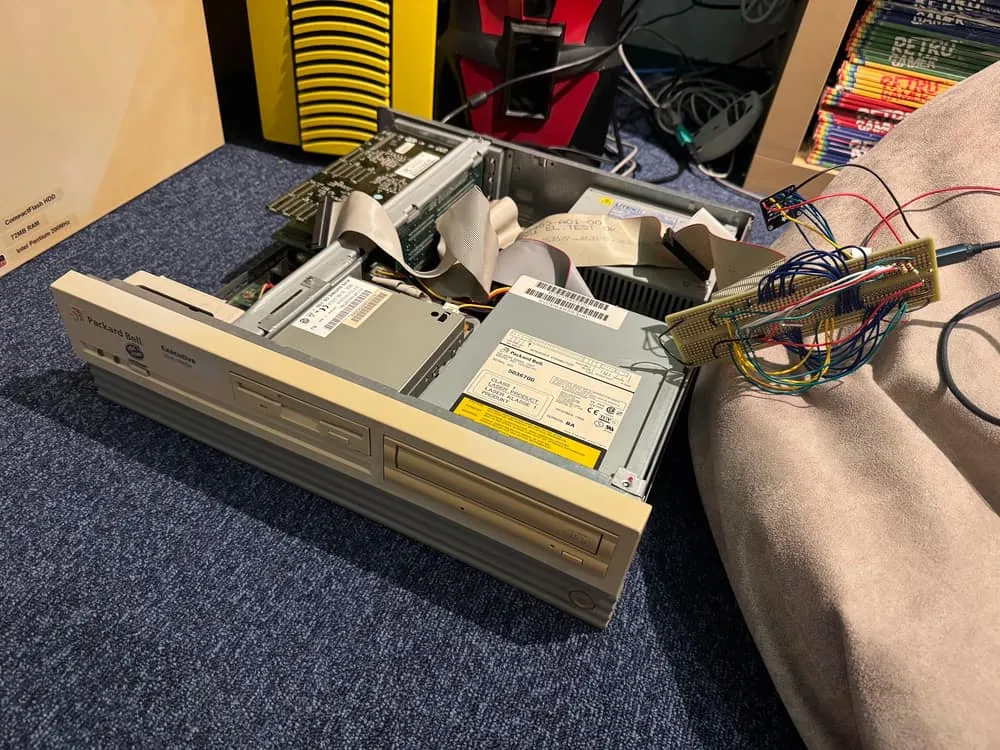
Finally, I made it to a stable Windows desktop and enjoyed listening to a few MIDI tunes through WinGroove to celebrate. However, the joy was short-lived, as my Packard Bell gave off a puff of magic smoke from the PSU and the power cable started to melt—very scary!
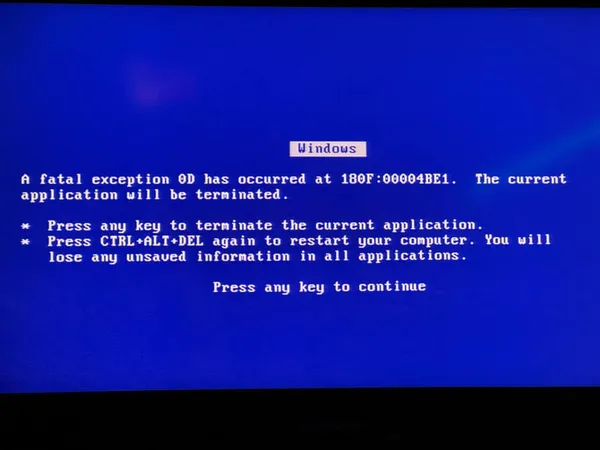
It’s unlikely to be related to the HDD Synth Pro, but rather Father Time causing the PSU components to decay. Unfortunately, it’s an AT-class PSU, so it’s a bit of a pain to resolve.
I decided to test one more computer: an Evesham Pentium III machine. Would using a more modern computer result in more or fewer problems? Let’s find out.
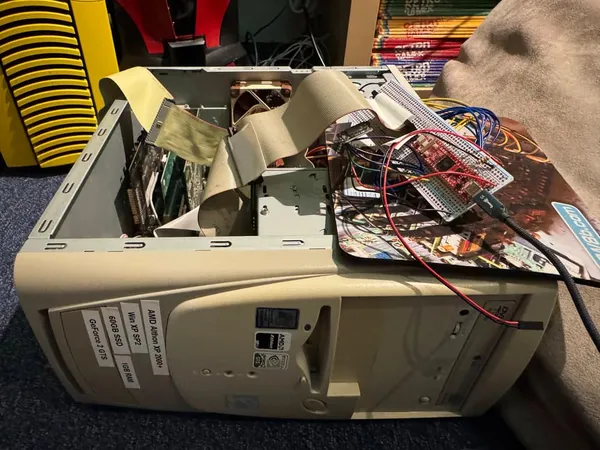
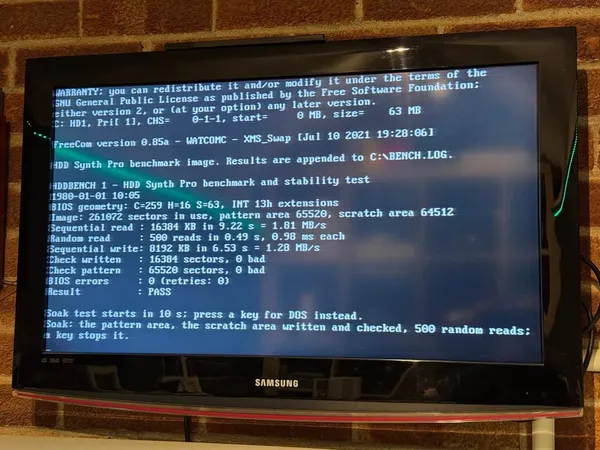
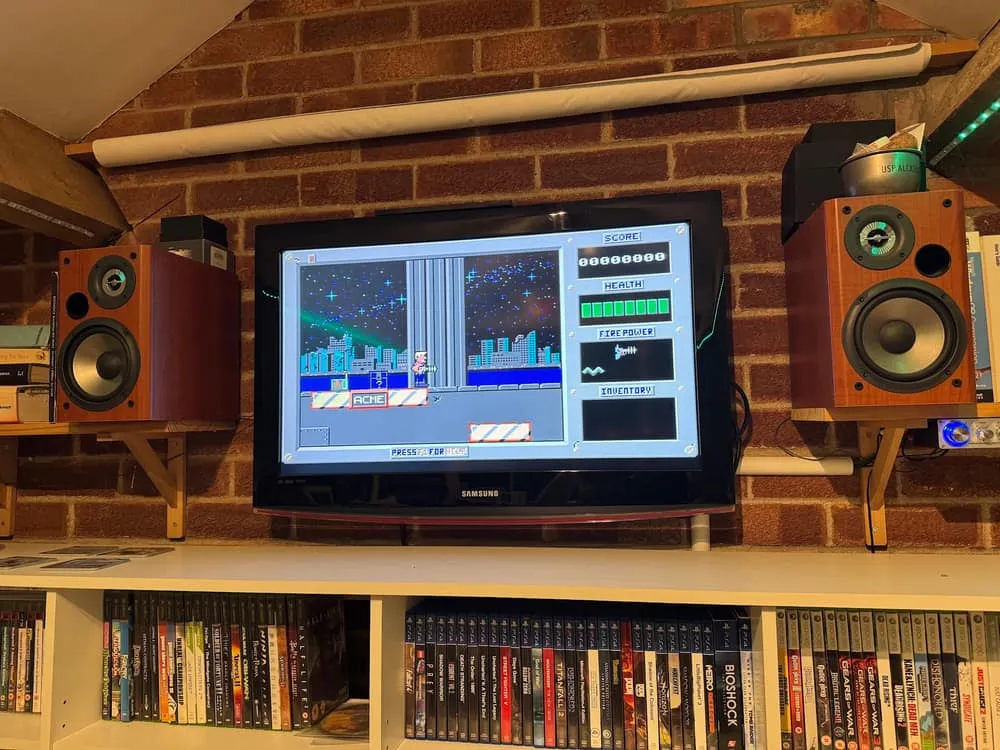
Thankfully, it worked the first time and ran through my benchmark disk image without difficulties. So, I decided to have a little fun, swapped over to the 386 disk image, and fired up Duke Nukem 1.
I can’t imagine that the HDD Synth Pro will make sense as a standalone hard drive replacement for most people, as there are cheaper and easier routes. However, when paired with an HDD Synth, it should provide a much more realistic simulation. It’s really for people who want to take their nostalgia to the next level.
Currently, the HDD Synth is with beta testers, and I’m hopeful this one will be ready for beta testing in the new year.